6.6 Submit a treatment plan for authorization
Last updated: July 28, 2026
Alpaca Health totally manages the submission and follow-up of authorizations, as well as inputting in authorizations when finalized.
As a clinician, you are responsible for uploading plans when ready for submission and responding to issues raised by insurance during the process.
How to Submit a Treatment Plan
Go to the client profile
Click "Care Readiness"
Click "New Request"
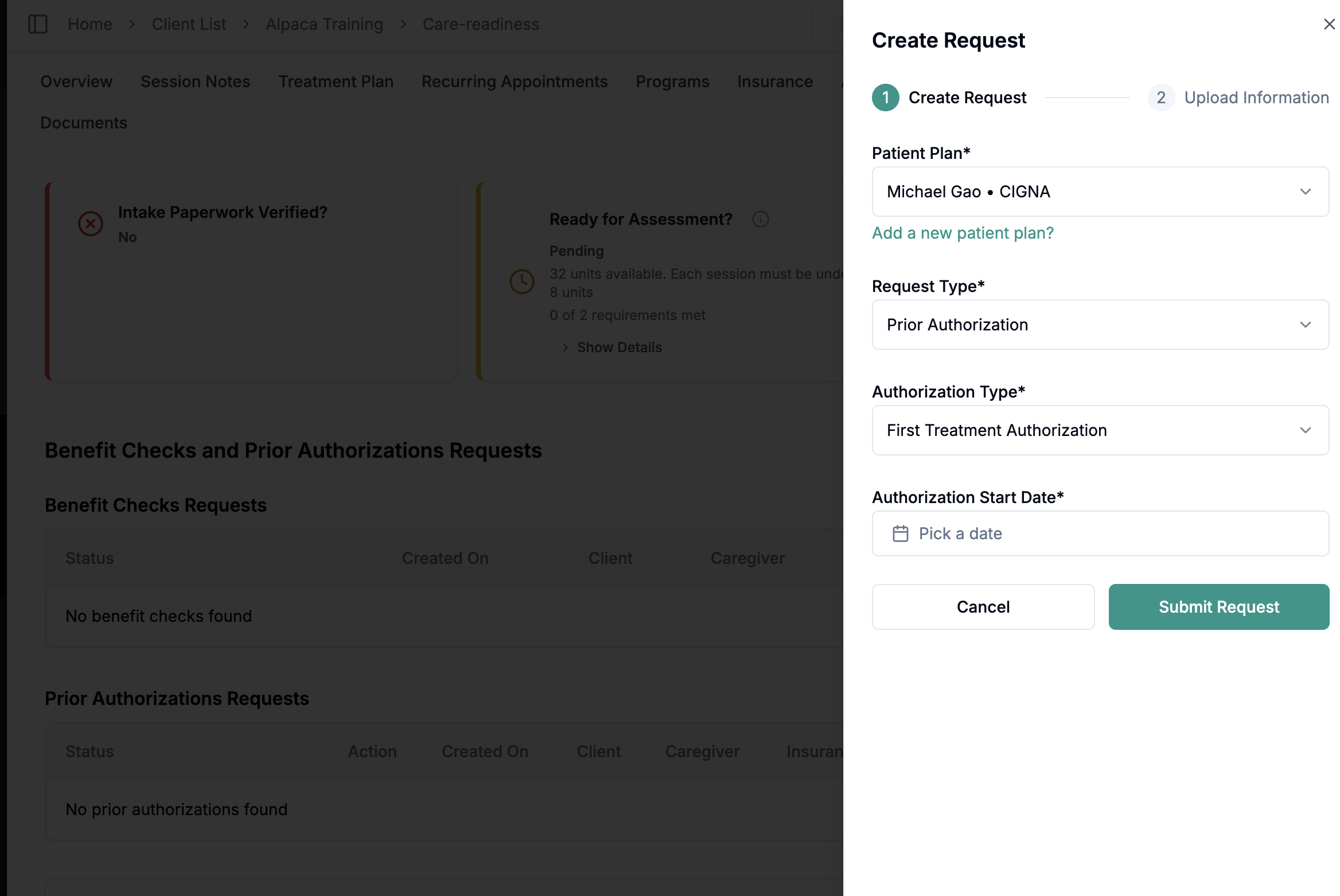
If this is your first time submitting a plan for the client, click "Initial Treatment Authorization"
If this is a re-authorization, click "Further Treatment Authorization".
If this is an amendment, click "Amendment"
Choose your intended start date. Note -- for Colorado Medicaid and commercial payers, you can start sessions on or after this start date, even before receiving insurance feedback. This is because payers will backdate authorizations.
For TriCare, you must wait until the authorization is approved before beginning.
Upload your treatment plan and any other documentation you want submitted with the authorization
Which Insurance Should I Submit To?
If a client has more than one active insurance, you should always submit to the payer that will actually reimburse the claim.
Start with the primary insurance — unless you know upfront that they will not cover the service.
For example: primary commercial insurance will deny ABA because there is no formal autism diagnosis on file.If the primary is guaranteed to deny, and the secondary (e.g., Colorado Medicaid) will cover ABA, submit directly to the secondary instead.
In short: prioritize the payer that will authorize and pay — not just the one listed first.
When in doubt, you can always ask support@alpacahealth.io for feedback.
No Supervising BCBA?
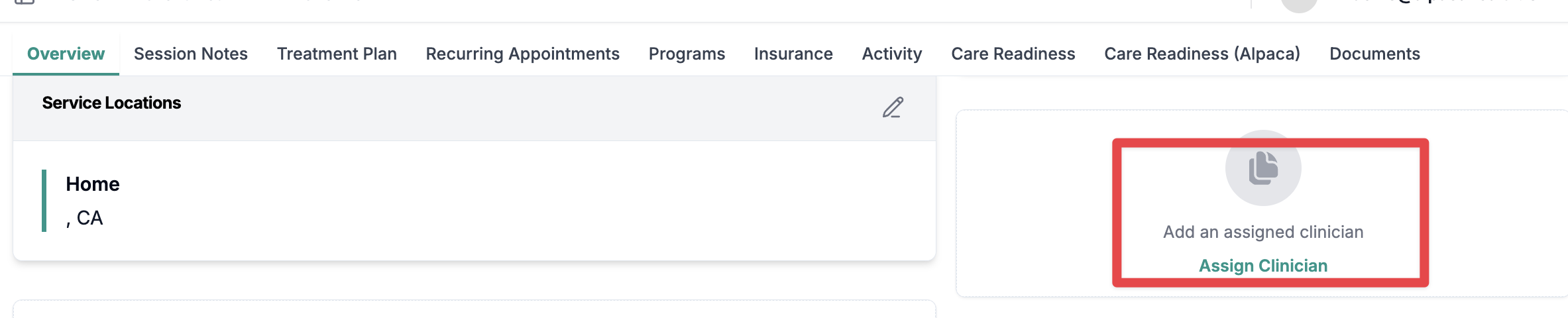
There may be an error in submitting your authorization if you haven't assigned yourself (or a credentialed BCBA with your practice) as the supervisor on the client.
Make sure you go to My Profile and make sure your NPI is set as well.