Set Up Individual Employee Payroll
Last updated: July 23, 2026
Step 1: Log into Alpaca, then Go to My Payroll Tab and tap Get Started
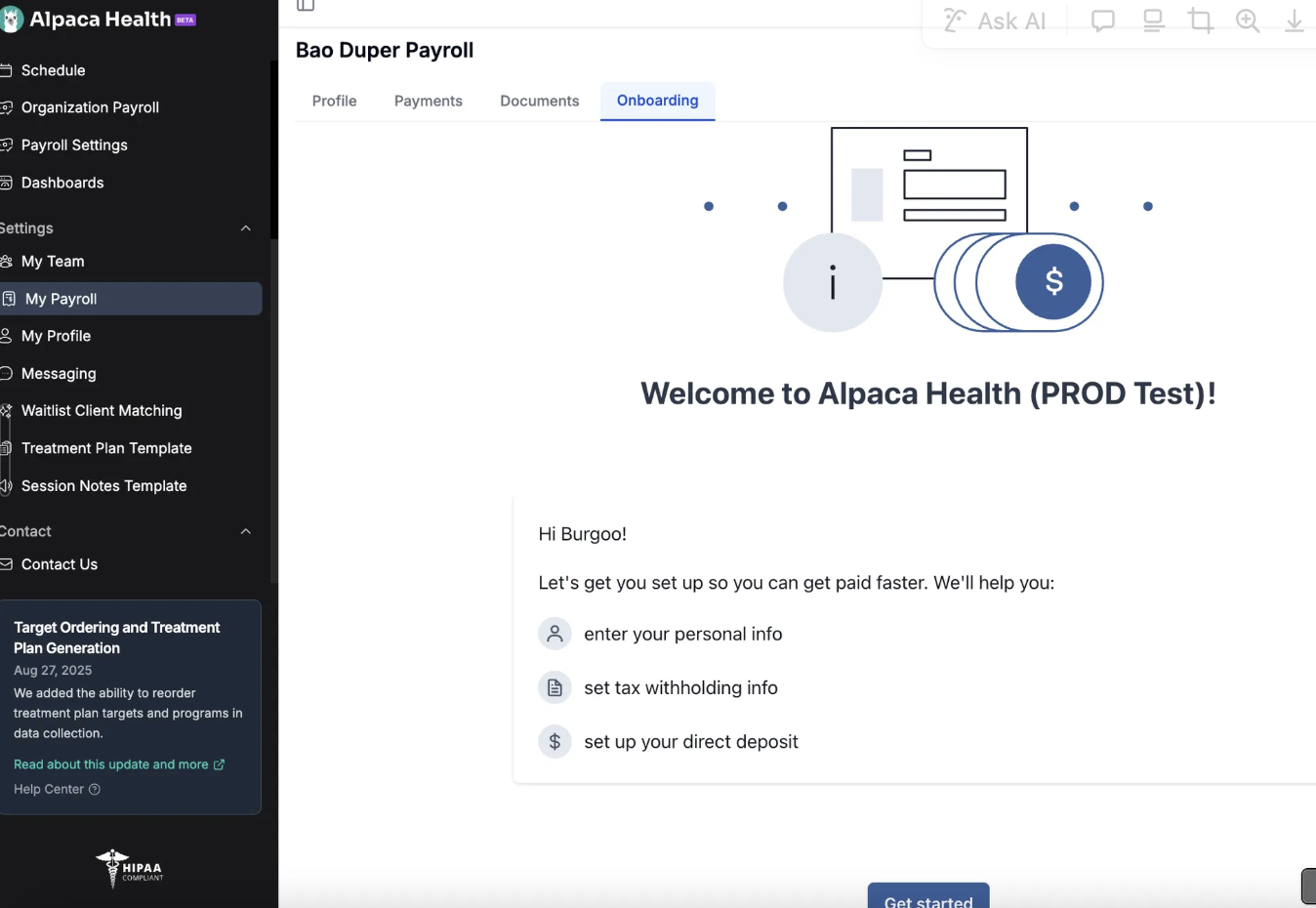
Step 2: Tap Get Started at the bottom of the page
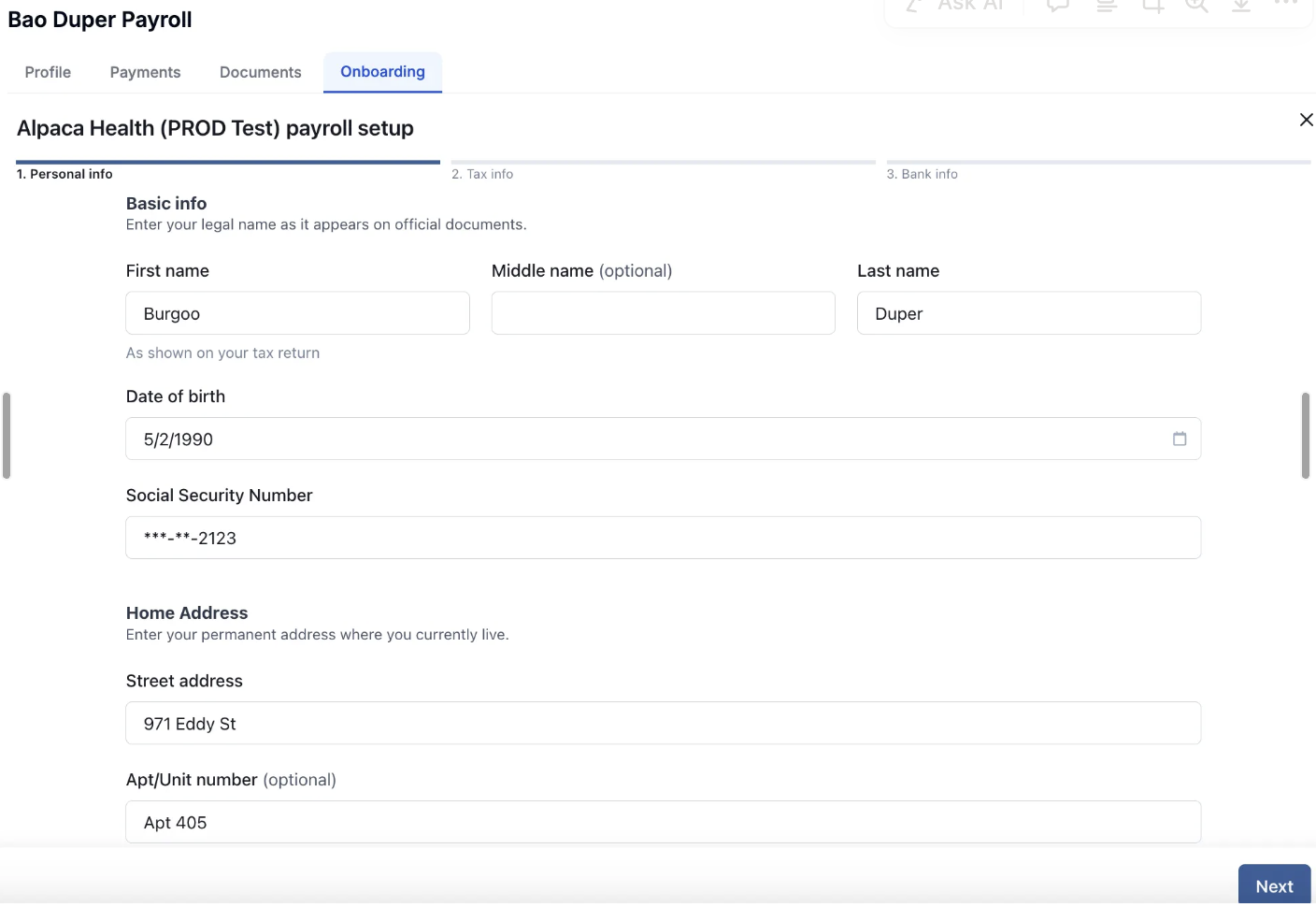
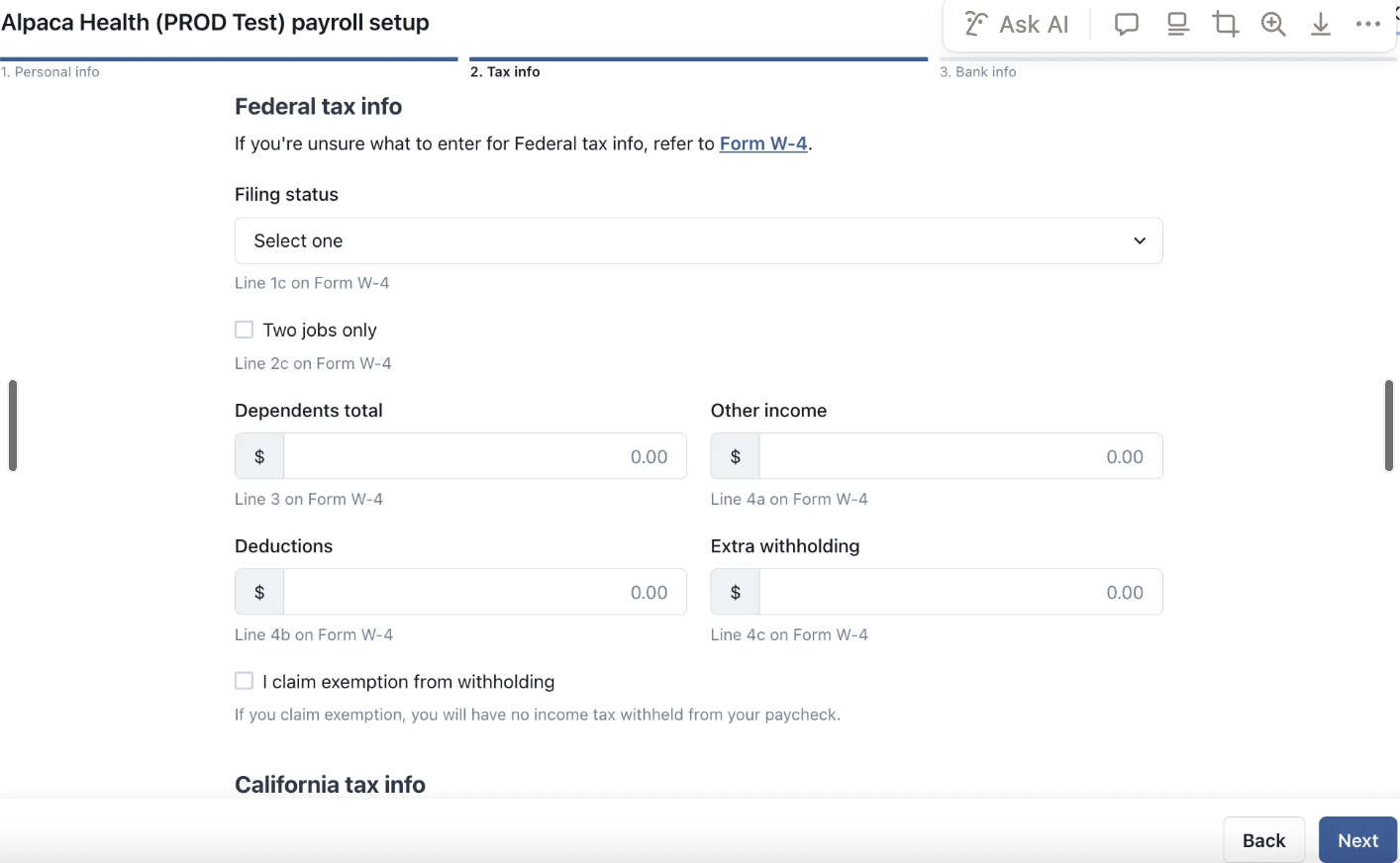
Step 3: Complete all fields.
Note the following:
First date of payroll: Enter the employee's start date (first date they were working), not the date you're running payroll
Pay rates: Configure worker pay rates in the individual user profile on the My Team page, not in the onboard workers section
Missing state tax information: If you don't have tax information for a state and cannot proceed, click "I don't have it" then click continue to bypass that section temporarily
Alternative setup method: If you're blocked from completing setup due to missing tax information for a state you don't operate in, you can send your payroll tax information to support for manual entry. Include: legal business name, tax filing address, Federal EIN, Federal deposit schedule, state withholding tax IDs, payment frequencies, unemployment insurance account numbers, and contribution rates.
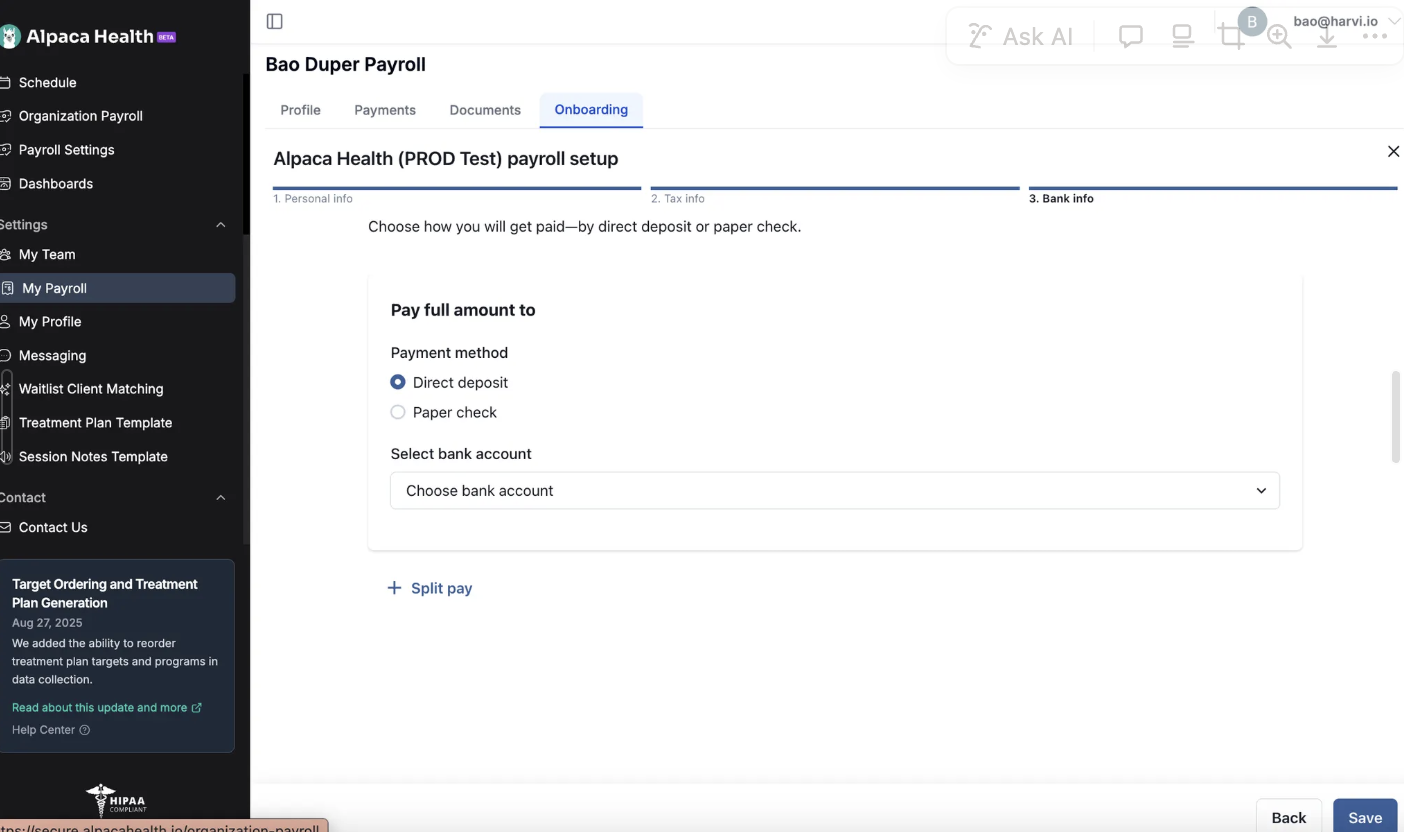
You’re done! Congrats!